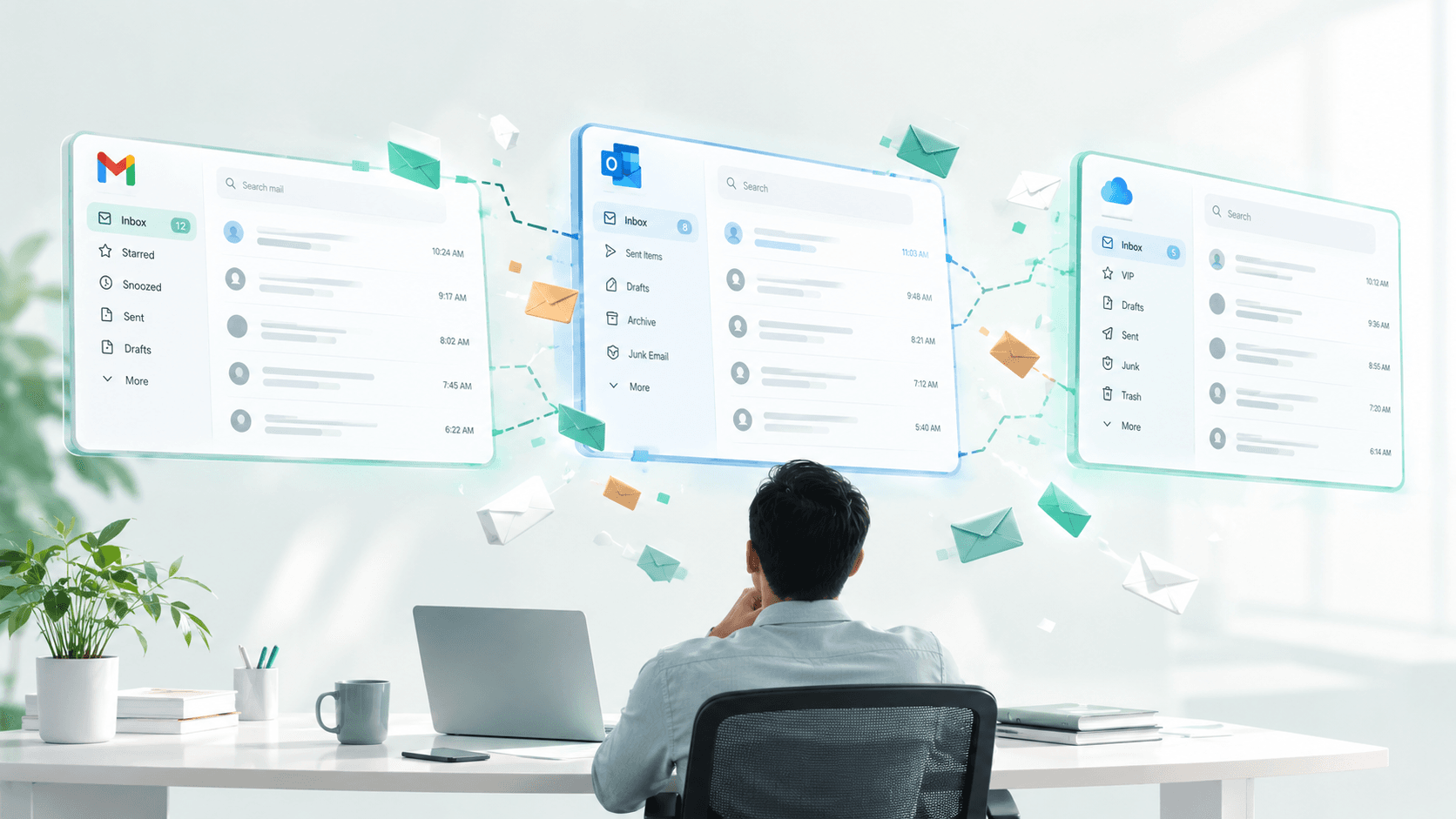
A consultant sends a proposal from their business email on Monday. The client replies to the consultant's personal Gmail on Wednesday because that's the address saved in their phone contacts. The consultant searches the business inbox for a response, finds nothing, and assumes the client isn't interested. The client assumes the consultant received their reply and is working on the next steps. Both wait. Nobody follows up. The deal dies in the gap between two inboxes that don't know about each other.
This is not an unusual scenario. It is what happens every day when professional communication gets split across accounts that can't see each other.
Most professionals maintain at least two email accounts. Many run three or more. A ZeroBounce 2025 workplace survey found that 93% of workers use email daily, with over 35% spending up to five hours in their inboxes. When that time is split across multiple accounts with separate logins, separate search indexes, separate contact lists, and zero awareness of each other, the inefficiency compounds fast.
Each account works fine on its own. The problem is everything that falls between them.
Why do professionals end up with multiple email accounts?
Nobody plans to run three inboxes. It happens gradually, and it happens to almost everyone whose work outgrows a single email address.
A freelance designer starts their career using a personal Gmail for client work. They land enough projects that professionalism demands a business address. Now they have two accounts. The early client relationships started on the personal email, so those conversations stay there. New clients use the business address. The freelancer checks both, replies from whichever one they have open, and within a few months loses track of which conversations live where. A client from year one still emails the personal account. A client from year two uses the business address. Both expect prompt replies. Neither knows the other inbox exists.
Founders go through the same progression on a bigger scale. The investor conversations, the advisor introductions, the early partnerships all started on a personal email before the company had a domain. Once the company domain exists, new contacts use it. But the old relationships don't migrate. Moving them would mean forwarding threads, losing attachments, and breaking the continuity of months of conversation history. So both accounts stay active, and the founder toggles between them for the life of the company.
Real estate agents almost always maintain separate inboxes for transactions and marketing. The transaction account handles active deals with buyers, sellers, inspectors, lenders, and title companies. The marketing account handles lead generation, listing distribution, and open house follow-ups. When a prospect from the marketing account converts into a client, the relationship shifts to the transaction account. But the original inquiry, the early questions, the showing notes, and the pricing conversations from the prospect stage remain in the marketing inbox. Nobody moves them because most email systems don't offer a way to transfer thread history between accounts.
CPAs and accountants face a split between firm email and personal accounts that inevitably receive client documents. Clients save whatever email address they have on file. During tax season, a W-2 or a K-1 sent to the wrong account can sit unnoticed for days while the accountant works exclusively from the firm inbox. The urgency of filing deadlines makes this gap dangerous. Industry analyses of firms that implemented dedicated client communication portals showed they saved significant time during peak season, partly because it eliminated the problem of documents arriving in the wrong account entirely.
Content creators manage brand partnership inquiries on a professional inbox, personal correspondence on another, and platform notifications on a third. The Influencer Marketing Hub's 2024 report found that 66% of creators struggle with time management across platforms. A brand deal inquiry sitting unseen in the wrong inbox for 48 hours doesn't just lose money. It signals to the brand that the creator isn't organized enough to partner with, and that reputation damage travels fast in an industry built on referrals and word of mouth.
Marketing agencies take the multi-account problem to its most extreme version. An agency managing 15 client accounts often operates a separate inbox for each one. Different sending domains, different brand voices, different contact lists, different response expectations. Account managers spend their days switching between client contexts, and multiple industry analyses put the coordination overhead at 10 or more hours per client per quarter on communication management alone. That's time spent not on strategy, creative work, or client growth, but on figuring out who said what, in which inbox, and when.
Healthcare administrators deal with a version that carries regulatory consequences. Patient scheduling requests arrive in an office inbox. Insurance authorization follow-ups come through a different system. A referring physician sends clinical notes to a personal email because that's the address on an old referral form. Each message makes sense individually. Together, they form a patient's care path that nobody can see in one place. And when protected health information lands in an unprotected personal inbox, the HIPAA Journal's 2025 data shows what happens: 170 email-related healthcare breaches that year, 2.5 million patient records exposed, with an average cost of $7.5 million per incident in penalties and settlements.
The pattern repeats across every profession. You outgrow one inbox, create another for practical reasons, and spend the rest of your career managing the invisible gap between them.
What actually breaks when communication is split across inboxes?
Three things fail. And each one compounds the damage of the others.
Context fragments across accounts. A client emails your work account about a project on Monday. On Thursday, they forward a related document to your personal email because that's what autocomplete suggested on their phone. You reply to the work thread without seeing the document. The client thinks you're ignoring their attachment. You don't know it was sent.
In law firms, this is a daily reality. An attorney handling a case receives court notifications on a firm email, client documents on a personal address, and opposing counsel's messages through a case-specific mailbox. The information needed to draft one response is scattered across three accounts. The attorney has to search each one separately, reconstruct the timeline manually, and hope nothing was missed that changes the legal analysis. The California Lawyers Association has examined whether missed emails can constitute a breach of ethical duty under professional conduct rules. When context fragmentation leads to a missed deadline or an overlooked filing, the consequences extend well beyond lost productivity.
Search fails across boundaries. You remember a client sent something about the project timeline. Last week. Maybe two weeks ago. You search your work inbox. Nothing relevant. Your personal inbox. Nothing. You try the old account you check twice a week. There it is, sitting unread for nine days.
Email search is powerful technology inside a single account. Gmail search and Outlook search both work well. But they only index what they have access to. When professional communication lives across separate accounts with separate logins and separate servers, there is no single search that spans all of them. You run three independent searches in three independent windows and manually compare the results. That is not a search workflow. That is a scavenger hunt with no guarantee of success.
For professionals who need to pull up a specific conversation from months ago, a contract clause discussed over email, a pricing number a client confirmed in writing, a deadline someone agreed to, the inability to search across all accounts simultaneously is a hole in the professional memory of the relationship. The information was sent. It was received. It exists somewhere. It just can't be found without already knowing which account it arrived in.
Follow-ups disappear between accounts. This is where fragmentation causes the most direct financial damage, because missed follow-ups translate directly into lost deals and damaged relationships.
Belkins' 2026 research found that 70% of professionals stop following up after one email even when all their communication is in one place. When conversations span two accounts, follow-up tracking breaks completely. Your work inbox shows you replied last Tuesday. Your personal inbox shows the client sent a follow-up on Wednesday that you haven't seen. Neither account flags the conversation as unresolved. Neither knows the other exists.
Think about what this looks like from the client's perspective. They sent a reply. They're waiting for the next step. Days pass. They assume you've lost interest or moved on to other work. Meanwhile, you're operating under the assumption that the ball is in their court because the last thing visible in your work inbox is your own sent message from Tuesday.
A real estate agent sends a listing agreement to a seller. The seller replies with questions, but to the agent's marketing email instead of the transaction account. The agent, working out of the transaction inbox during a busy closing week, doesn't see the reply. A week passes. The seller assumes the agent lost interest and calls a different firm. The agent finds out when the listing appears under someone else's name.
The follow-up that would have closed the deal, saved the client, or moved the project forward is sitting in an account you checked this morning but didn't scroll down far enough to find. And nothing in any of your inboxes is telling you to look.
How much time does switching between accounts actually cost?
About 3.6 hours per week just from the switching itself, according to a 2023 Harvard Business Review analysis of employees toggling between applications.
A 2023 Harvard Business Review analysis found that employees switching between ten or more applications daily lose approximately 3.6 hours per week to the switching alone. Email accounts are among the most frequently switched applications for knowledge workers, and professionals with multiple accounts switch more often than those with one.
Gloria Mark's research at UC Irvine measured the cognitive cost of each switch: 23 minutes and 15 seconds to return to deep focus after an interruption. Her studies, published in the CHI 2008 proceedings as "The Cost of Interrupted Work," also found that people typically complete two other tasks before returning to the original one. A quick "let me check my other inbox" becomes a 23-minute detour through unrelated tasks before you get back to the work you were doing.
Five account switches a day. 23 minutes of lost focus per switch. That's close to two hours of productive capacity gone daily. Not to reading email. Not to replying. To the act of moving between the places where email lives.
The American Psychological Association's Stress in America survey added another dimension to the cost. Nearly 90% of Americans report constantly checking their electronic communications. Those who check constantly reported an average stress level of 5.3 on a 10-point scale, compared to 4.4 for less frequent checkers. Multiple accounts amplify this checking behavior because each inbox carries the possibility that something urgent arrived while you were looking at another one. Two inboxes means twice the checking. Three means three times the ambient anxiety of unchecked messages sitting somewhere you haven't looked yet.
The time cost and the stress cost compound through the day. A professional spending 2.5 hours daily on email across multiple accounts isn't just losing time to reading and replying. They're losing focus to switching, losing energy to the low-grade stress of potentially unchecked inboxes, and losing effectiveness because their attention is fragmented across accounts instead of focused on the work those emails are about.
Why doesn't a unified inbox fully solve this?
Because it merges the view but not the context. All messages appear in one place, which saves switching time and reduces checking anxiety. But the emails are still separate threads with no connection between them.
When three accounts merge into one view, you get one long list instead of three shorter ones. The messages are together, but they are still separate threads with no awareness of each other. An urgent client email from your personal account sits between a newsletter from your work account and a notification from your old university address. You stopped switching between tabs, but you still have to scan through everything manually to identify what actually needs your attention.
Most unified inbox tools also don't recognize relationships across accounts. If a client has emailed you on two different addresses over six months, the tool shows two separate contacts with two separate conversation histories. It doesn't connect them as the same person. The proposal you sent from your work account and the reply that arrived on your personal email appear as unrelated threads in unrelated conversations with unrelated contacts.
Follow-up tracking doesn't improve in a unified view either. A conversation that started on one address and continued on another still shows up as two disconnected threads. You can see both if you scroll through the combined inbox, but nothing connects them or alerts you that the conversation is still open and waiting for your reply.
Putting all mail in one bucket is a starting point. But the actual need isn't seeing all the messages together. It's understanding the relationships, the priorities, and the unfinished conversations across everything in that bucket. And that's the part most tools still don't do.
The accounts aren't going away
Nobody is going to consolidate down to one email address. The reasons professionals maintain multiple accounts are practical and permanent. Work email needs to stay separate from personal. Client-specific inboxes serve real organizational purposes. Old accounts stick around because important contacts still use them and years of conversation history still lives in them.
Every new role, every new client engagement, every new venture potentially adds another inbox. The professional who had one email address in college now has three or four, and each one carries conversations, contacts, and context that the others can't access.
The challenge isn't the number of accounts. It's the gap between them. The context that doesn't transfer, the searches that don't cross boundaries, the follow-ups that vanish in the space between inboxes, the sensitive information that arrives in unprotected accounts because the sender used whatever address they had saved.
Checking email used to mean opening one app. For most professionals today, it means opening two or three, running separate searches, mentally reconstructing conversations that span accounts, and hoping nothing important fell through the gap.
The information is all there. It's just never in the same place at the same time. And that gap is where clients get lost, deals go quiet, follow-ups die, and the things that matter most slip through without anyone noticing until it's too late.
SmartMail was built with this problem in mind. It brings your Gmail and Outlook accounts into one platform so you stop switching between tabs and logins. Inside each account, AI auto-categorization sorts your emails into what actually matters, like action required, awaiting reply, meetings, and newsletters, so you're not scanning everything manually. An AI agent works alongside your inbox to help draft replies, summarize threads, and act on messages. And the dashboard gives you AI insights and recent activity across all your accounts in a single view.
Related Posts